A power station for apartment backup keeps essential electronics running when the grid goes down without the fuel, exhaust, or outdoor setup required by a combustion generator. For renters, that makes portable battery power especially practical during short outages and emergencies. A properly sized unit can support phones, Wi-Fi equipment, laptops, lights, and selected small appliances. The key is matching battery capacity and output to your actual needs while considering storage space and safe operation. This guide explains how to choose, position, and use an apartment power station effectively.
Why a Power Station Makes Sense for Apartment Backup
Apartments create challenges for conventional backup power. Renters usually cannot make permanent electrical changes, and fuel-burning generators should never operate inside apartments, hallways, garages, or other enclosed spaces because they produce carbon monoxide. A portable battery power station offers a practical alternative. It stores electricity and supplies power without combustion or direct exhaust during normal operation. Most units also require no permanent installation, making them easier to use in rental properties. They can keep communication, lighting, internet access, and work equipment operating during an outage. Renters should still follow the power station manufacturer’s instructions and any building rules covering battery devices, charging, and storage.
How to Choose the Right Power Station for Your Apartment
Calculate Capacity From Essential Devices and Runtime
Start with the devices you actually need during an outage. Check each item’s wattage, estimate how many hours you expect to use it, and calculate its approximate energy demand in watt-hours. For example, a 10-watt device operating for five hours uses about 50 Wh before conversion losses are considered. Repeat the calculation for your router, laptop, lights, phones, and other essentials, then add the totals. Choose a power station with extra usable capacity rather than matching the estimate exactly. This reserve helps account for inverter losses, changing loads, battery management, and longer-than-expected outages.
Check Output, Surge Power, Ports, and Recharge Speed
Battery capacity alone does not determine whether a power station can run your equipment. Check its continuous AC output against the combined wattage of devices you plan to operate simultaneously. Appliances with motors or compressors may also require higher startup or surge power. For sensitive electronics, an inverter pure sine wave inverter design provides clean, stable AC output and is a positive feature when powering laptops, networking equipment, and other electronics. Review the available AC outlets, USB ports, and USB-C charging capabilities as well. Finally, compare recharge times so you know how quickly the battery can recover when grid power returns.
Balance Battery Size With Weight and Storage Space
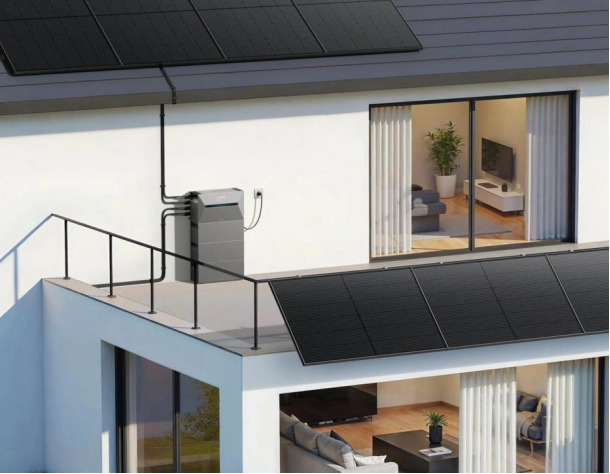
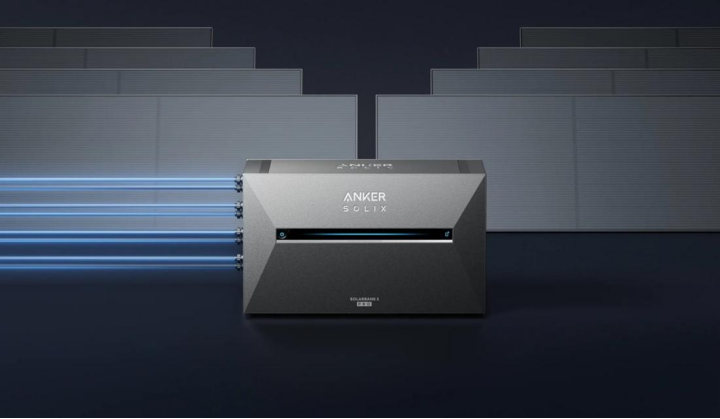
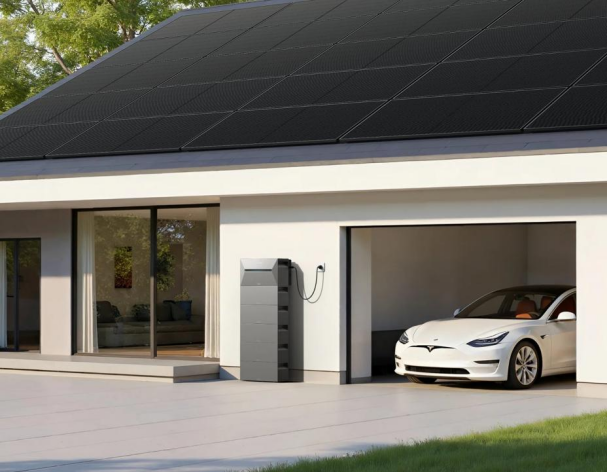
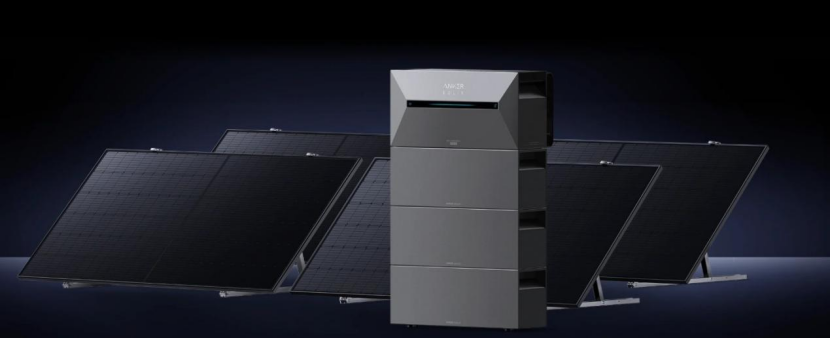
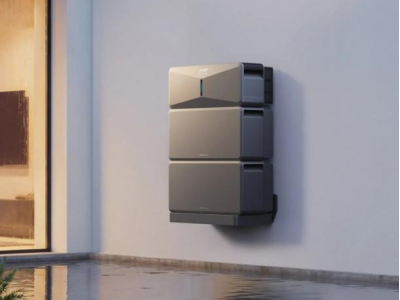
A larger battery can provide longer backup time, but apartment living makes size, placement, and available space important. Check the power station’s dimensions and weight before choosing a suitable location that does not block an exit or create a trip hazard. For larger backup requirements, the Anker SOLIX E10 Whole-Home Backup Generator supports both wall-mount installation and floor-mount installation, giving users more flexibility when planning system placement. This choice can help make better use of available space while keeping the system accessible. Whatever setup you choose, make sure the backup system provides sufficient capacity for essential loads and follows the manufacturer’s installation and clearance requirements.
How to Use Apartment Backup Power Safely and Efficiently
Choose a Safe Location for Charging, Use, and Storage
Place the power station on a stable, dry surface with enough open space around its cooling vents. Follow the manufacturer’s specified clearances and temperature limits, and never cover the unit while it is operating or charging. Keep it away from heaters, direct sunlight, water, and other sources of excessive heat or moisture. Do not charge or use a battery that appears swollen, damaged, unusually hot, or otherwise abnormal. For storage, follow the manufacturer’s recommendations for temperature and battery charge level. Renters should also keep the unit away from exits and check building policies that apply to portable battery equipment.
Prioritize Wi-Fi, Phones, Lights, Laptops, and Other Essentials
During an outage, use stored energy where it delivers the most value. Phones help maintain communication and provide emergency information, while a powered router and modem may preserve internet access if the local network remains operational. LED lights consume relatively little electricity, making them efficient for nighttime use. Laptops can support remote work, school tasks, entertainment, and device charging. Medical equipment should receive priority when the power station is specifically suitable for that device and its manufacturer permits backup operation. Make a priority list before an outage so household members know which devices can connect first and which loads should remain disconnected.
Extend Runtime and Avoid High-Wattage Power Waste
High-wattage heating and cooking appliances can drain a portable power station quickly. Space heaters, electric kettles, hair dryers, hot plates, and similar devices often consume far more energy than phones, routers, LED lights, or laptops. Avoid these loads when preserving runtime matters. Turn off unused outlets and devices, lower laptop screen brightness, and use energy-saving settings where practical. Charge smaller electronics only when needed rather than leaving them connected continuously. You can also operate devices in shifts instead of powering everything at once. Watching the power station’s remaining capacity and output display helps you adjust usage before the battery reaches a low level.
Conclusion
A power station can provide practical apartment backup when you choose it around essential loads rather than maximum possible consumption. Calculate expected watt-hours, confirm adequate AC output and surge capability, and select ports that match the electronics you use most. Size and weight also matter because renters need a unit they can store and move safely. During an outage, prioritize communication, internet access, efficient lighting, and necessary electronics while limiting high-wattage appliances. Keep the power station dry, uncovered, and within its specified operating conditions. Careful planning turns stored battery energy into useful, dependable backup power when an apartment loses electricity.